What Is an Indoor LED Screen Rental for Corporate Events?
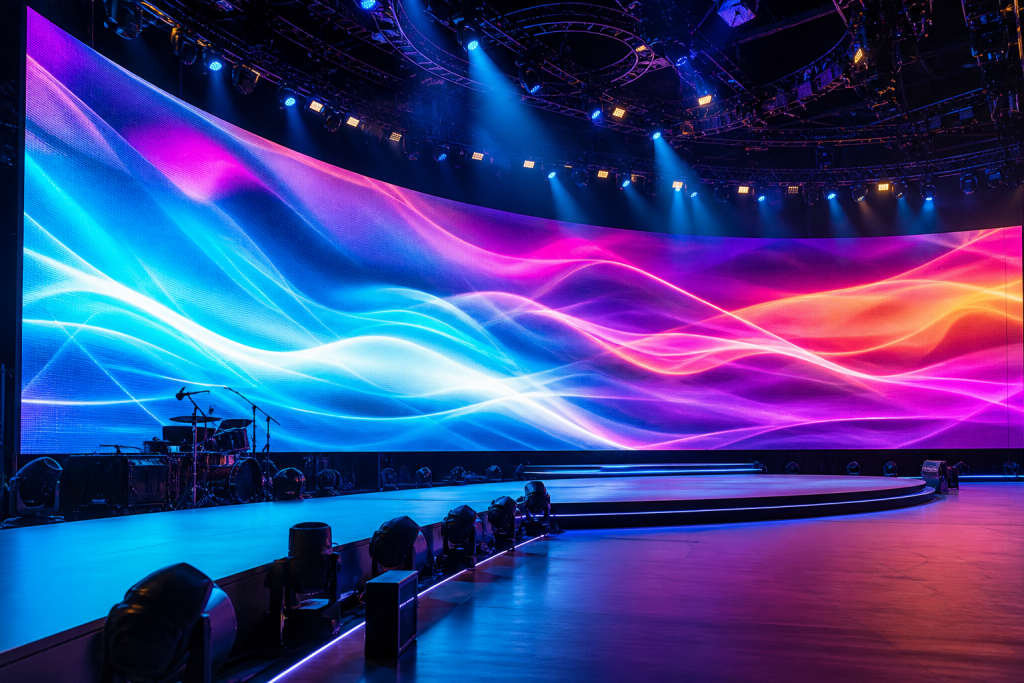
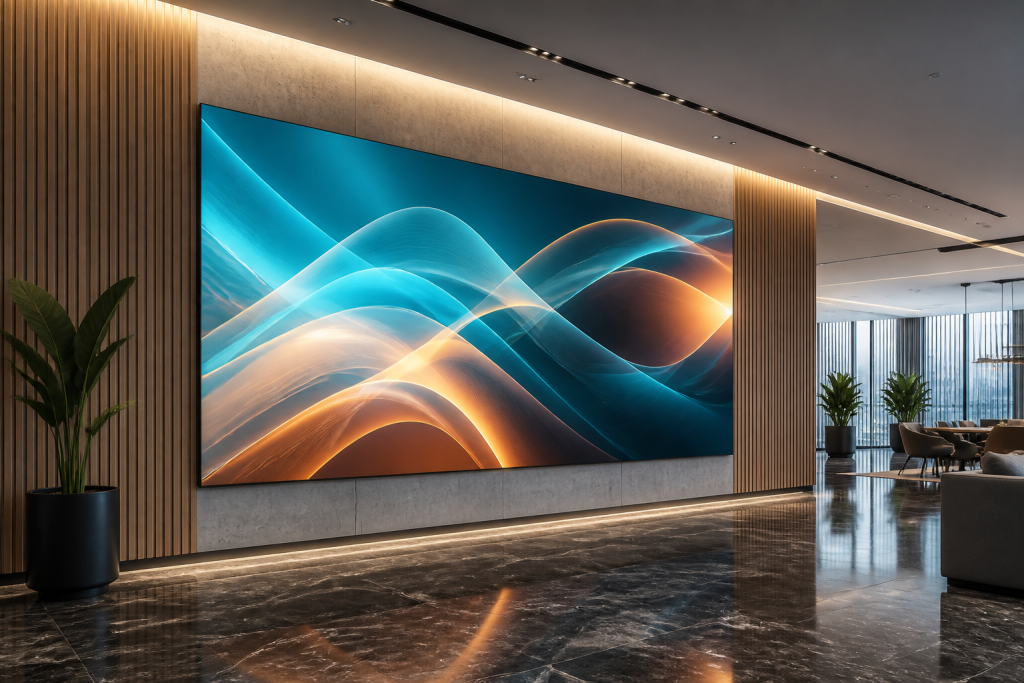
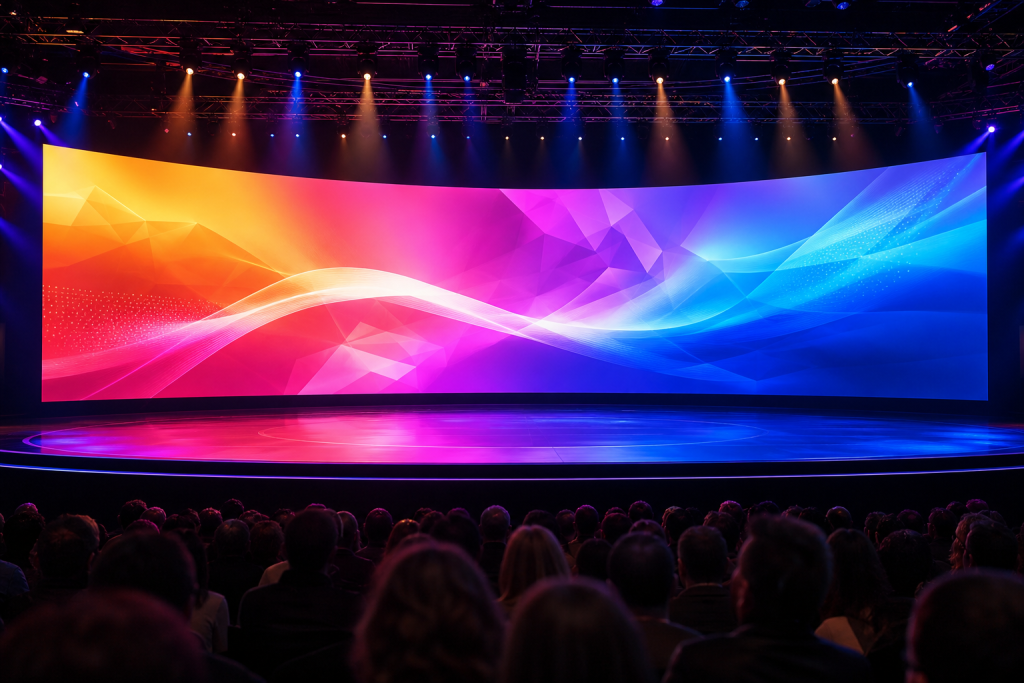
An indoor LED screen rental is a temporary LED video wall solution used for conferences, seminars, product launches, and annual meetings to display presentations, videos, and branding content. It replaces or upgrades traditional projectors and LCD TVs with a bright, seamless digital backdrop behind the stage or podium.
For corporate event planners and AV companies, renting an indoor LED backdrop allows you to deliver high-impact visuals without investing in permanent equipment, while still meeting strict requirements for reliability and image quality. USER LED, for example, manufactures full-series indoor LED displays in fine pixel pitches from P0.9–P5 suitable for conference rooms and meeting spaces.
Why LED Backdrops Work Better Than Projectors in Conference Rooms
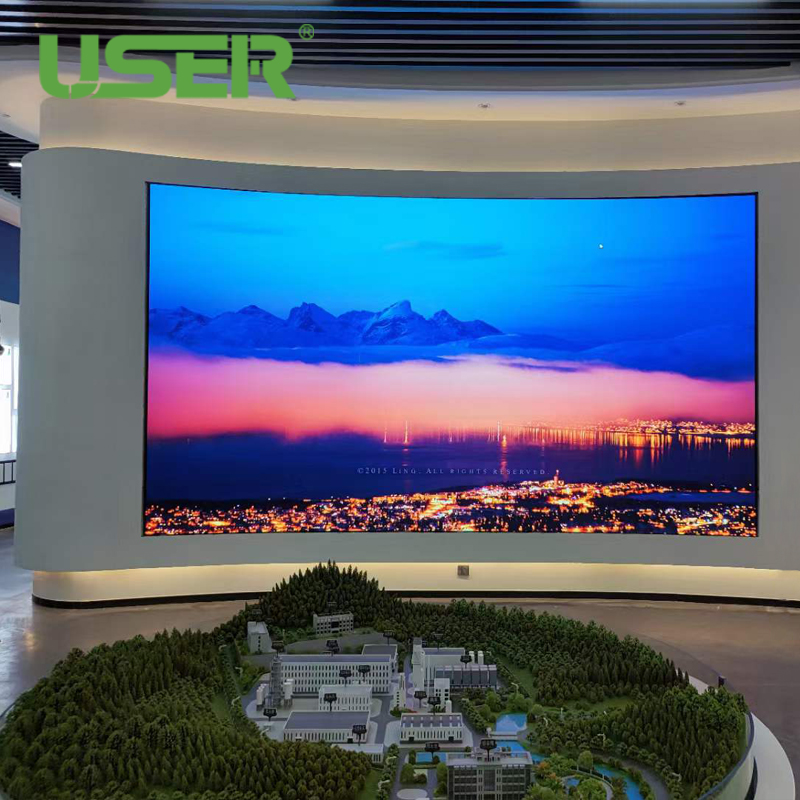
Indoor LED walls have become the preferred choice for corporate event backdrops in hotels, convention centers, and corporate headquarters.
Key advantages include:
- High brightness and contrast: LED screens maintain vivid colors and readability even under strong stage lighting or ambient light, unlike projectors that wash out easily.
- Seamless large images: LED cabinets can be spliced into large-format walls without visible bezels, ideal for wide stages and panoramic presentations.
- Flexible sizes and aspect ratios: You can build 16:9, ultra-wide, or custom sizes to match your stage and content.
- High refresh rate and gray scale: Indoor LED series from USER typically reach 3840 Hz refresh rate and 14-bit gray scale, providing smooth video and fine gradients for corporate branding.
- Reliability and stability: Professional LED displays undergo strict aging tests and quality control under ISO9001 systems, ensuring stable operation throughout the event.
Key Specifications to Understand Before Renting
When you plan an indoor LED screen rental as a corporate event backdrop, focus on these technical parameters.
Pixel Pitch (Image Fineness vs Budget)
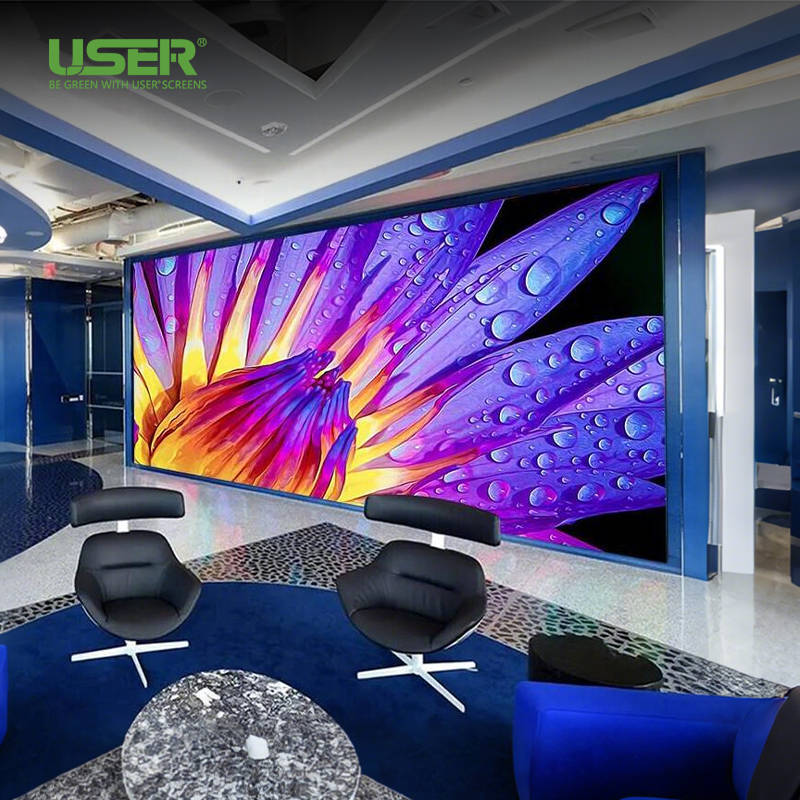
Pixel pitch is the distance between two adjacent pixels, expressed in millimeters (e.g., P1.25, P1.86, P2.5, P3.91). Smaller pixel pitch means higher resolution at the same size but higher cost. USER’s indoor series covers P0.9–P5 for small-pitch and standard indoor displays.
A practical viewing-distance guideline:
| Typical Front Row Viewing Distance | Recommended Pixel Pitch Range | Use Case Example |
| 2–4 m | P0.9–P1.5 | VIP boardroom, premium event |
| 3–6 m | P1.5–P2.5 | Medium corporate conference |
| 5–10 m | P2.5–P3.9 | Large banquet hall |
| >10 m | P3.9–P5 | Very large halls, simple text |
If your audience sits close to the stage (such as 3–6 m), P1.86 or P2.5 indoor screens offer a good balance between clarity and cost.
Screen Size and Resolution
Screen size depends on:
- Stage width and height
- Ceiling height and safety distances
- Content type (detailed spreadsheets vs simple branding visuals)
Common conference backdrops range from 4×2.5 m to 10×3 m. USER’s 640×480 mm indoor cabinets (e.g., KP2.5) allow flexible splicing into various sizes.
Example: a 4.48×2.52 m P2.5 wall (7×5 cabinets of 640×480 mm) provides enough resolution for Full HD-style content in many mid-size halls.
Brightness and Contrast
Indoor LED screens typically run at around 500 cd/m² brightness for comfortable indoor viewing. High contrast ratios of 4000:1 or more help maintain deep blacks and vivid colors on corporate videos and slides.
When choosing a rental solution, check that brightness is adjustable, so technicians can fine-tune it to match ambient lighting and avoid eye fatigue.
Refresh Rate and Gray Scale
For events that are recorded or live-streamed, refresh rate and gray scale are crucial to avoid flicker and banding. USER’s indoor K and T series reach 3840 Hz refresh rate and 14-bit gray scale, which works well for live cameras and broadcast-style shows.
Cabinet Design and Maintenance
For rentals, cabinet design impacts setup speed and stability:
- Die-cast aluminum cabinets: Provide lightweight, high-strength structures suitable for frequent assembly and disassembly.
- Front maintenance: Some indoor series support front access, helpful when the screen is close to the wall or set design.
- Quick-lock systems: Reduce installation time and alignment errors, important under tight event schedules.
How to Choose the Right Indoor LED Screen Rental for Your Corporate Event
Use this step-by-step process to make a clear decision.
Step 1: Define Event Scenario and Goals
Clarify these points with your team or client:
- Event type: Board meeting, annual conference, training, product launch, or hybrid event.
- Main content: Presentation slides, videos, live camera feeds, remote speakers.
- Brand requirements: Does the client expect a high-end visual experience or is it a cost-controlled internal meeting?
If you are hosting a high-profile brand launch or CEO town hall, a finer pixel pitch and larger, cinema-like backdrop will enhance perceived quality.
Step 2: Measure the Conference Room and Stage
Work with the venue or staging company to collect:
- Stage width and height
- Ceiling height and rigging points
- Distance to front row and back row seats
Then estimate minimum and maximum screen size that fits safely and harmonizes with the stage set. Avoid building a screen too small for the room or too large to fit banners, lecterns, and décor.
Step 3: Match Pixel Pitch to Viewing Distance
Use the earlier table as a quick guide. For typical corporate rooms:
- Small meeting room (20–60 people, 3–5 m viewing distance): P1.25–P1.86.
- Medium conference (100–300 people, 4–8 m viewing distance): P1.86–P2.5.
- Large ballroom (300+ people, >8 m viewing distance): P2.5–P3.91.
USER’s indoor K series (e.g., KP1.25, KP1.53, KP1.86, KP2.5) covers all these scenarios with modular cabinets and high refresh rates.
Step 4: Decide Screen Layout: Single Wall vs Multi-Screen
Common backdrop configurations:
| Layout Type | Description | When to Use |
| Single main wall | One large central LED screen | Keynotes, product launches, plenary sessions |
| Main wall + side wings | Central big screen plus smaller sides | Complex staging, multi-track content, sponsorship |
| Split screen design | Two same-size screens left and right | Pillars or chandeliers block central view |
If your room has pillars or limited central space, consider two smaller LED walls on both sides of the stage rather than a single wide wall.
Step 5: Confirm Technical Requirements
Discuss these items with the LED provider or rental house:
- Signal inputs: HDMI, DVI, DP, or SDI from switchers and media servers (USER indoor series supports common video interfaces).
- Control system: Reliable receiving and sending cards, redundancy if required for critical events.
- Power and safety: Power distribution, cabling paths, and emergency procedures.
- Setup and rehearsal time: To test all content types and transitions.
Example: Choosing an Indoor LED Backdrop for a 300-Person Corporate Conference
- Viewing distance: Front row at 5 m, back row at 20 m.
- Recommended pixel pitch: P2.5 indoor LED wall.
- Screen size: Approx. 8×3 m (to dominate the stage but leave space for side décor and podium).
- Series suggestion: Indoor K series P2.5 (640×480 mm cabinet), offering seamless splicing, 3840 Hz refresh, and front maintenance.
- Benefits: Clear text for front rows, no visible pixels for most attendees, high brightness and contrast under stage lighting, camera-friendly refresh rate.
Why Work with a Professional Manufacturer Like USER
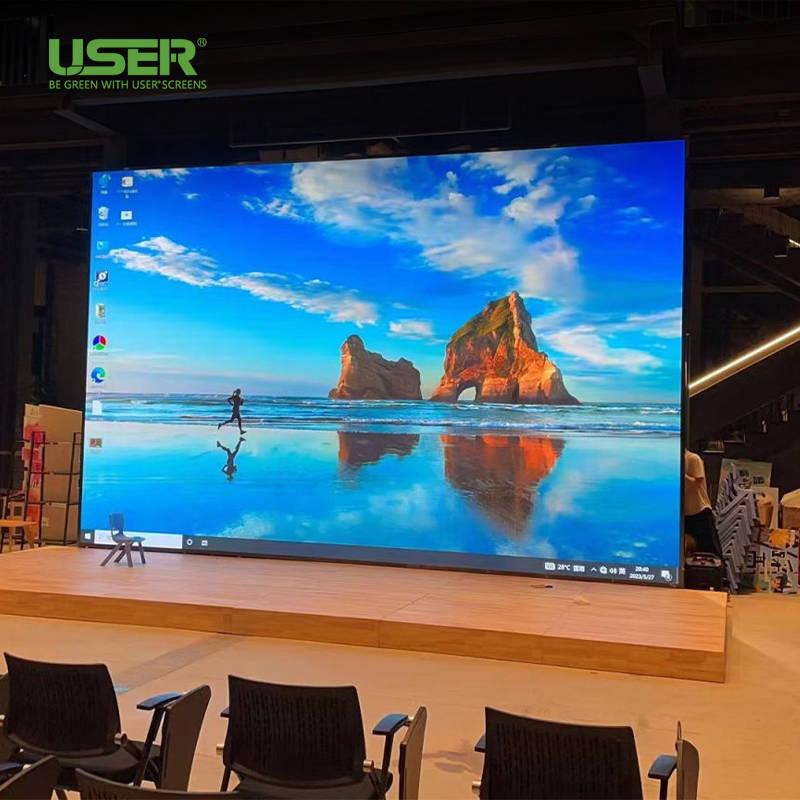
When you select an indoor LED screen rental partner, the equipment’s underlying manufacturer matters. USER Special Display Technologies is a high-tech enterprise with a 10,000 m² modern factory and automated LED production lines, supplying indoor and outdoor LED displays, flexible modules, and transparent screens to over 80 countries.
Key strengths that benefit rental users:
- Full product series: Indoor small-pitch, standard indoor, rental displays, and more (P0.9–P5 for indoor series).
- Quality assurance: ISO9001, ISO14001, ISO45001, plus CE, FCC, UL, ROHS certifications.
- Strong R&D: Independent intellectual property, patents, and advanced Flip-Chip COB and MiniLED solutions for high-end displays.
- Rich project experience: Installations in conference rooms, studios, shopping malls, hotels, and event venues worldwide, including indoor P2–P3 LED screens used in meeting rooms and hotel stages.
You can explore more indoor LED display solutions and specifications directly on the official website: https://www.userledscreen.com/
Frequently Asked Questions About Indoor LED Screen Rental for Corporate Events
How do I choose the right pixel pitch for my indoor LED rental?
Match pixel pitch to the closest viewing distance. If attendees will be within 3–5 m of the screen, choose P1.5–P2.0; for 5–10 m, P2.5–P3.0 is usually sufficient. USER’s indoor series includes P1.25, P1.53, P1.86, P2.5, P3, and P4 options to cover most conference scenarios.
What screen size is best for a conference room?
It depends on stage width and audience size. As a rough guide, the screen width is often 40–60% of the room width. For 200–300 people in a typical hotel ballroom, an 8×3 m LED wall works well as a central backdrop.
Are indoor LED walls safe and reliable for long events?
Yes, professional-grade indoor LED displays are designed for 24/7 operation with high-quality power supplies, cooling, and protection. USER’s products undergo strict aging tests and comply with standards like CE, FCC, UL, and ROHS.
Will the LED wall flicker on camera or during live streaming?
Not if you choose displays with a high refresh rate. USER’s indoor series typically offers 3840 Hz refresh and 14-bit gray scale, which significantly reduces flicker and artifacts on camera.
Can I use the same LED screen for different room layouts?
Yes. Modular cabinets allow flexible configurations. Rental partners can reconfigure the same P2.5 or P3.91 cabinets into different sizes and aspect ratios depending on each event’s stage and audience layout.
What is the difference between indoor rental LED and fixed indoor LED?
Fixed indoor LED displays are permanently installed in a room, while rental LED cabinets are optimized for frequent assembly and disassembly, with quick locks, lighter die-cast aluminum frames, and more flexible rigging options.
How far in advance should I book an indoor LED screen rental?
For busy seasons with many exhibitions and conferences, booking 4–8 weeks in advance is recommended to secure the right pixel pitch, cabinet quantity, and experienced technicians.